
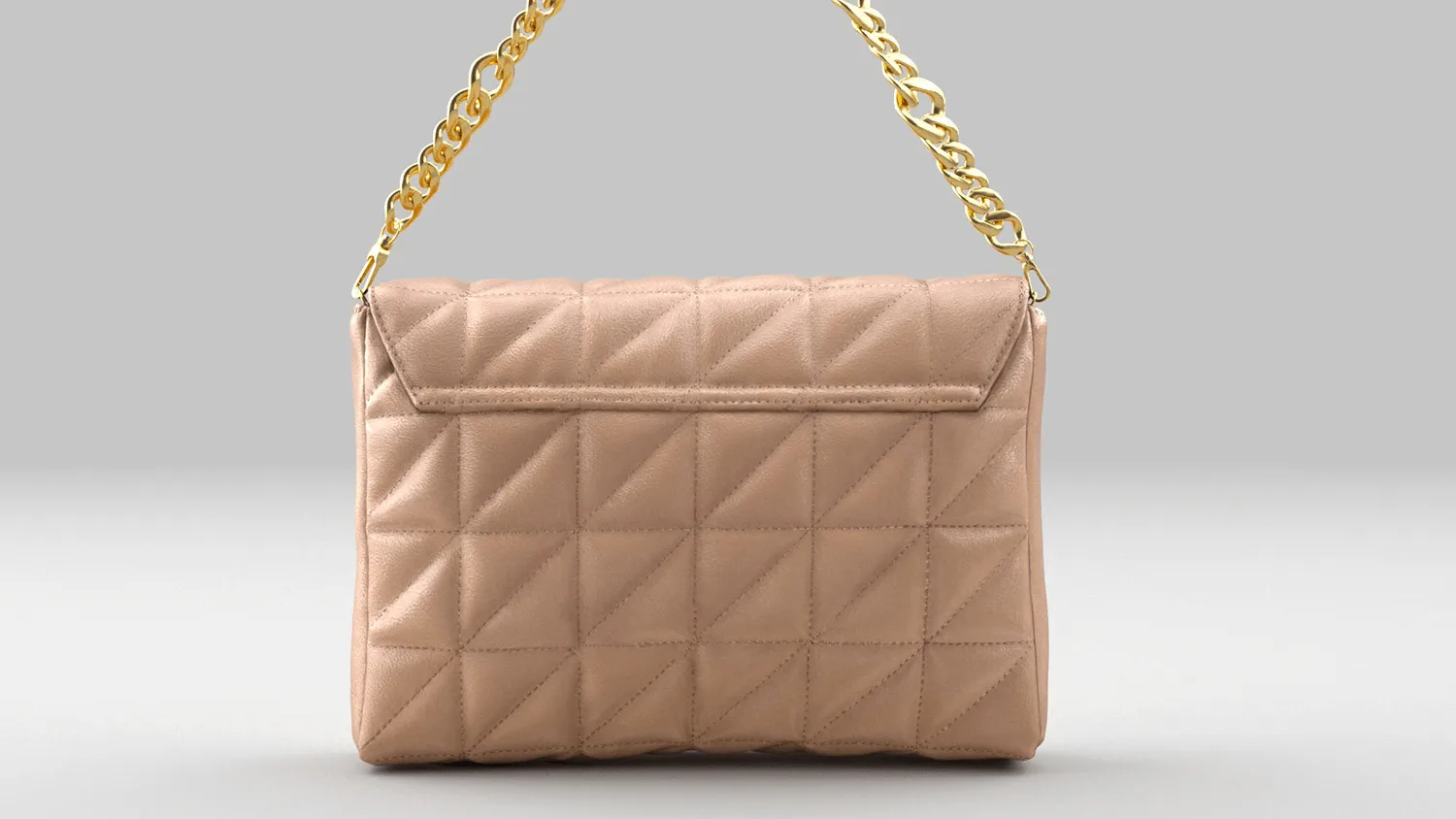
AR Try‑On for Handbags, Purses & Backpacks (No App Needed)
Let your customers see exactly how a bag fits their body before they buy. Size, proportion, strap length, how it hangs — all visible in real-time AR, right from your product page. No app download, no guesswork. A customer who can see a backpack on their shoulders is a customer who doesn't return it.
Scroll to show more 
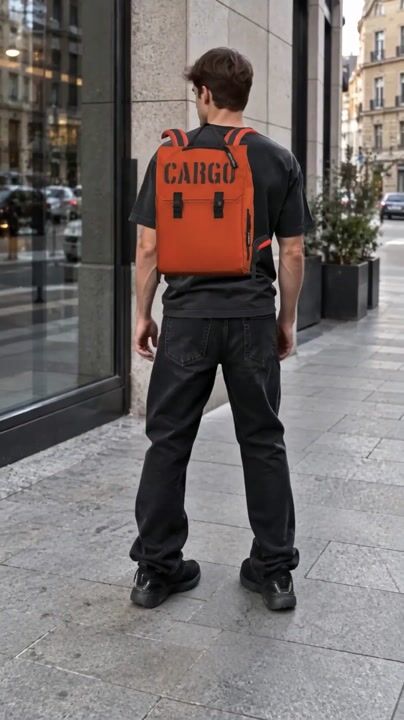


How AR Bag Try‑On Works
Upload Your Bag Catalog
Upload your product photos or 3D models. Handbags, backpacks, totes, crossbody bags — any category.
Add to Your Store
Drop a code snippet into your product pages. Works with Shopify, WooCommerce, Magento, or any custom platform. Same integration as our shoe try‑on — if you already use WEARFITS for footwear, bag try‑on slots right in.
Customers Try On
A "Try On" button appears on your bag product pages. Customers tap it, point their camera, and see the bag on their body in real time — accurate size, correct proportions, realistic textures. They know exactly what they're buying.
EVERY BAG CATEGORY, ONE TRY‑ON PLATFORM
HANDBAGS & CROSSBODY BAGS
The number one question customers have about a handbag or purse online: "How big is it actually?" AR try‑on answers that question in seconds. Customers see the bag on their body — strap drop, proportions relative to their frame, how it sits against their hip. The guesswork that drives returns disappears.
BACKPACKS & LAPTOP BAGS
Backpack sizing is particularly tricky online. A 15-inch laptop bag looks very different on someone who is 157 cm versus someone who is 185 cm. AR try‑on shows each customer the backpack on their own body, in their actual proportions. What you see is what you get.
TOTE BAGS & SHOPPERS
Totes range from "fits a phone" to "fits a weekend trip." Customers struggle to judge scale from flat product photos. AR puts the tote on their shoulder at the exact real-world size — so a mini tote stays mini and an oversized shopper looks appropriately large.
LUGGAGE & TRAVEL ACCESSORIES
For brands selling travel bags, duffel bags, or weekenders — AR try‑on gives customers a sense of actual size before buying. Particularly useful for carry-on compliance: customers can visualize whether that duffel bag is going to fit in an overhead bin or not.
WHY BAG BRANDS CHOOSE AR TRY‑ON
HIGHER USER ENGAGEMENT
Interactive AR try‑on keeps shoppers on your product pages longer. Instead of scrolling through flat photos and guessing, they're actively interacting with your product — trying different bags, comparing sizes, checking how a crossbody looks versus a tote. More engagement, more time on site, more considered purchases.
GREATER CUSTOMER TRUST
Seeing a bag "on themselves" builds the kind of confidence that product photos alone can't. The gap between what customers expect and what arrives in the box shrinks dramatically — which means fewer "it looked different online" returns and higher satisfaction scores.
FEWER RETURNS, LOWER COSTS
Returns in the bag category often come down to size surprise — "it was bigger than I thought" or "the strap was shorter than it looked." AR try‑on eliminates those surprises upfront. Brands using WEARFITS typically see meaningful reductions in return rates because customers buy with their eyes open.
HIGHER AVERAGE ORDER VALUE
When customers can quickly try on multiple bags in AR — switching between a crossbody, a tote, and a backpack in seconds — they're more likely to add a second item. The friction of "will this work for me?" is gone, so impulse additions become more frequent.
83,000+ try‑ons served in 60 days






features
Key Features of WEARFITS Bag Try‑On

ACCURATE PRODUCT SIZING
(TRUE-TO-SCALE)
Customers can virtually try on backpacks and handbags in life-like proportions. The AR engine calculates size relative to the customer's body — so a clutch looks like a clutch and a weekender looks like a weekender. This isn't a static overlay. It's real-time body-tracked placement that moves with the customer.

MULTI-PLATFORM SOLUTION
Bring AR bag try‑on to life across web browsers, iOS and Android apps via our SDK, and in-store digital mirrors. One catalog, every channel. Your customers get the same try‑on experience whether they're browsing on their phone, using your app, or standing in your flagship store.

HIGH-FIDELITY TEXTURES & DETAILS
Every material, color, and stitching detail rendered with photo-realistic quality. Leather grain, canvas weave, metal hardware — customers see the bag the way it actually looks, not a simplified 3D approximation. This level of detail is what separates "that's interesting" from "I'm buying that."
ONE TRY‑ON, EVERY CUSTOMER TOUCHPOINT
The same AR bag try‑on doesn't just live on your product page. It works across every touchpoint where customers interact with your brand — turning passive browsing into active engagement, wherever it happens.
E-COMMERCE
Embed the "Try On" button directly on your bag product pages. Customers browsing your online store get instant access to AR — no redirects, no app downloads. They see the bag on their body, check the proportions, and buy with confidence. This is the core use case. Expand coverage with our shoe virtual try‑on and clothing try‑on.
IN-STORE & WINDOW SHOPPING
Place a QR code on a shelf tag, a window display, or a digital screen. A customer walks past your shop window, scans the QR code on that tote bag they noticed, and sees it on their body in seconds — even after hours, even if the store is closed. Window shopping just became window trying-on.
EMAIL CAMPAIGNS
Drop a "Try On This Bag" CTA into your email marketing. Recipients tap the link on their phone and land directly in the AR experience — no app install, no landing page friction. It's the difference between a customer scrolling past a product photo and actually seeing the crossbody on their hip.
SOCIAL MEDIA
Share AR try‑on links in Instagram Stories, TikTok bios, or Facebook ads. Followers tap through and try on your latest collection instantly. A new bag drop goes from "here's a photo" to "try it on right now" in one tap.
Same catalog. Same 3D models. Same try‑on quality. Whether your customer finds you on Google, walks past your store, opens your newsletter, or scrolls your Instagram — the experience is consistent.
FREQUENTLY ASKED QUESTIONS ABOUT AR BAG TRY‑ON
Yes. WEARFITS supports backpacks, crossbody bags, tote bags, messenger bags, and most other bag categories. The AR visualization shows the bag on the customer's body in accurate proportions — so they can see how a backpack sits on their shoulders or how a crossbody hangs at their hip before buying.
From clutches and purses to oversized totes, from laptop backpacks to travel duffel bags. WEARFITS handles the full range. The AR engine automatically calculates correct proportions relative to the customer's body, so a mini bag looks like a mini bag and an oversized weekender looks appropriately large.
Shoe try‑on places products on the customer's feet using foot tracking. Bag try‑on places products on the customer's body — shoulder, arm, hand, or hip depending on the bag type. Both run in the browser with no app needed. The core technology is the same, but the body tracking and placement logic are different to match how each product category is actually worn. See our shoe try‑on for comparison.
Same timeline as shoe try‑on: custom integrations via our SDK typically take 1–2 weeks. You upload your bag catalog, we handle the 3D model generation, and the try‑on button goes live on your product pages.
No. WEARFITS bag try‑on runs entirely in the mobile browser — Safari, Chrome, or any modern browser. Customers tap a button on your product page and the AR experience launches instantly. Zero friction, zero app store redirects.
READY TO SEE BAGS COME ALIVE ON YOUR PRODUCT PAGES?